
Plan three interfaces before choosing a theme
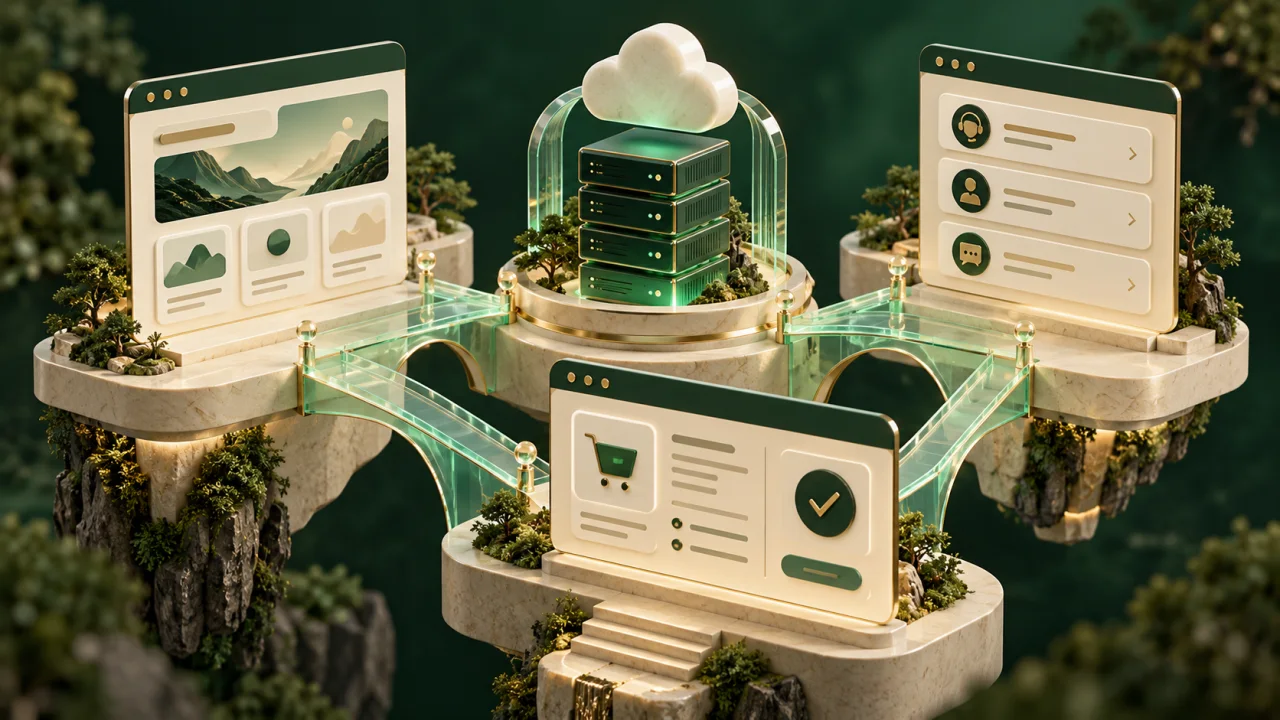
A hosting business needs more than a homepage. Visitors need to compare services, place an order and return later to manage their account. Those steps can involve different applications. Plan the boundaries first, then choose the design files for each part.
This guide is a project-planning checklist for a WordPress or HTML marketing website alongside WHMCS. It is not an installation tutorial or a claim that PowerPHP supplies a working WHMCS integration. Our current hosting HTML templates provide website frontends; an installable WHMCS theme is a separate product.
Map each customer task to its owner
Use this map when writing a brief for your developer. Your final routes and responsibilities depend on the applications you actually configure.
| Customer task | Component to plan | What to verify |
|---|---|---|
| Read about hosting services | Public WordPress site or HTML frontend | Accurate plans, mobile navigation and a clear next step |
| Select and order a service | Configured WHMCS ordering flow | Correct service, billing options and required configuration |
| Sign in and manage services | WHMCS client area | Account navigation, service details and support routes |
| Read articles or edit marketing copy | Your chosen content workflow | Who can publish and how changes reach the live site |
| Pay an invoice or provision hosting | Your configured billing and hosting services | A separate functional test beyond the visual theme |
WHMCS distinguishes its client-area system theme from its order-form templates. These components can share branding, but a matching appearance does not establish that a particular checkout, module or account flow works. See the official WHMCS theme definitions.
Choose the public website workflow
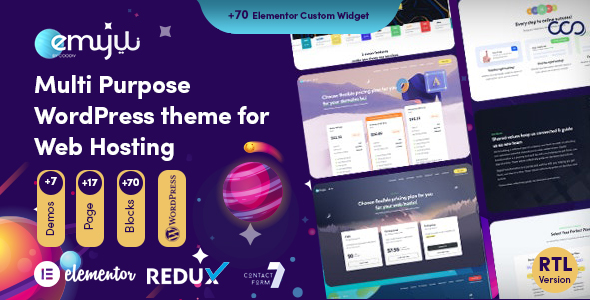
A WordPress theme is intended for a WordPress installation. WordPress supports both block and classic themes, so ask which editing workflow the particular release provides. Do not infer its editor or plugin compatibility from a screenshot. The WordPress Theme Handbook explains those theme types.
An HTML template supplies frontend files that a developer can adapt. In your project brief, identify who will implement content editing, form delivery, search and any backend connections. A drawn login screen or domain-search box does not supply those services by itself.
For a side-by-side decision, read WordPress theme or HTML hosting template?. The WordPress category shows the current WordPress listing and availability. The HTML template catalog contains separate frontend products.
Write a link and navigation checklist
Before implementation, list each public call to action and its intended destination. Include the service name, the application receiving the visitor and the expected screen. Keep a separate row for customer sign-in, support and new orders.
For example, a service page's ordering button should lead to the configured ordering route for that service. A returning customer's sign-in link should lead to the account interface. A demo button that opens a decorative checkout page is not enough to validate either journey.
Record these destinations in one place your developer can maintain. Then test the links from the actual published navigation and product pages, including a phone-sized layout. Use the routing instructions for your installed application; this guide deliberately does not prescribe a universal WHMCS URL or a bridge plugin.
Match branding without assuming shared accounts
Create a short design reference containing the logo, colors, typography, button labels and support wording. Apply it to the public website and the client area through their respective customization methods. Compare both screens with the same service names and realistic content lengths.
A visually consistent header does not create shared authentication. If a project requires a WordPress-to-WHMCS account bridge, ask the integration vendor about supported versions, login behavior and data handling before selecting it. Plan sign-out and password-recovery journeys as well as sign-in. No bridge is included merely because a template contains a client-area preview.
Keep customization maintainable
Ask the WHMCS theme vendor which parent theme the release uses and how to maintain your changes. WHMCS documents child themes as a way to separate customizations from a parent theme. Changes to overridden templates still need review when the platform or vendor updates. Follow the official child-theme documentation and the instructions for your exact release.
Keep your own record of modified files, integration settings and the versions tested together. For a WordPress theme, record required plugins and the editing method. For an HTML frontend, record the build process and who owns the backend code. This gives the next developer a usable handover instead of a collection of unexplained edits.
Use an acceptance checklist before launch
Run the checks that match your configured services in a suitable test installation:
- Follow each service button from the public website to its intended ordering screen.
- Check that service names and displayed billing intervals agree across the two interfaces.
- Test missing information, validation errors and a returning customer's navigation.
- Check invoice and support routes with permitted test accounts and realistic content.
- Test keyboard navigation, readable forms and long names at phone widths.
- Verify payment and provisioning through the providers' supported test procedures, independently of visual approval.
- Keep a backup and a documented way to return to the previous release.
These are proposed acceptance criteria for your project. They are not a certification that every PowerPHP preview or third-party integration has passed those tests.
Decide what to buy now
If you need a public hosting frontend, CloudTail is one of PowerPHP's HTML products. Evaluate its included layouts as frontend material. It does not become an installable WordPress theme, a WHMCS system theme or a billing backend through purchase.
If you need a WHMCS theme, use the WHMCS buying guide to check client-area scope, order forms and maintenance. The WHMCS category states the current release status; no PowerPHP WHMCS theme is available there yet.
Check the product's own included-file information and license conditions before committing to a package. A subscription download allowance does not replace the platform licenses or backend services your hosting business needs.