

Two different ways to build the public website
A WordPress theme and an HTML hosting template can both provide the visual starting point for a hosting company's website. The main difference is the environment in which you edit, publish and maintain the pages. Choosing between them is a workflow decision as much as a design decision.
A WordPress theme runs within a WordPress installation. It controls presentation while WordPress provides the content-management environment. An HTML template supplies frontend files that a developer can adapt and connect to their chosen services. It is not installed as a WordPress theme just because its preview looks similar.
When WordPress fits your team
WordPress can fit a team that wants to maintain pages and publish editorial content through a content-management interface. Before choosing a theme, check its editor workflow, required plugins and documented compatibility with your installation. Do not assume every theme uses the same page builder or includes every plugin shown in a demo.
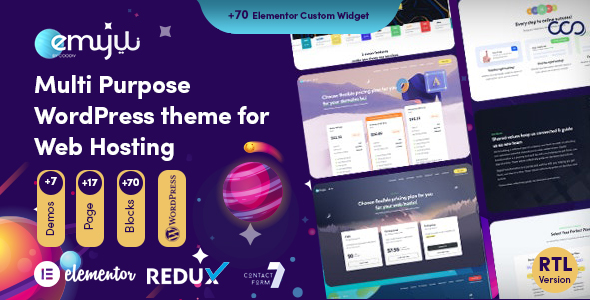
PowerPHP's WordPress theme page includes Emyui's current listing and availability. Review the release details before scheduling an installation or promising a delivery date. The official WordPress theme guide explains the role of a theme and the standard installation process.
When an HTML template fits your project
An HTML frontend can fit a developer who wants to work directly with the page structure, CSS and JavaScript. It can be adapted for a custom application or used as the basis of a public marketing website. Content changes and integrations need a workflow that your team can maintain after the initial build.
For example, CloudTail is a hosting HTML template. Its frontend files are separate from backend functions. A domain-search interface, account screen or contact form still needs the relevant services behind it. Choose a template with the layouts you need, then budget for that implementation work.
Neither choice is a WHMCS theme by itself
A hosting marketing website and a WHMCS client area are separate parts of a service. A WordPress theme does not automatically replace WHMCS templates. An HTML design with a cart mockup does not automatically provide an installable WHMCS order form.
If you need to customize WHMCS, review the WHMCS theme buying guide. List the system-theme and order-form requirements separately from the public website. Check the integration approach instead of assuming an unlisted bridge plugin or billing connection is included.
Compare the work after purchase
- List the pages and customer flows the finished website needs.
- Identify who will edit content after launch and which tools they can use.
- Confirm required hosting, software, plugins and third-party licenses.
- Test the live preview on mobile and with a keyboard.
- Include backend integration, testing, backups and maintenance in the project scope.
- Read site limits, support coverage, update access and refund conditions before paying.
Both approaches can be appropriate when the chosen product matches the job. Browse PowerPHP HTML templates or WordPress themes, then use the licensing guide to check how the files may be used. Freemius manages downloads for purchases made through its checkout; an unrelated marketplace purchase remains in that marketplace's account system.